
Break Room TV Ideas: What to Put on Employee Screens
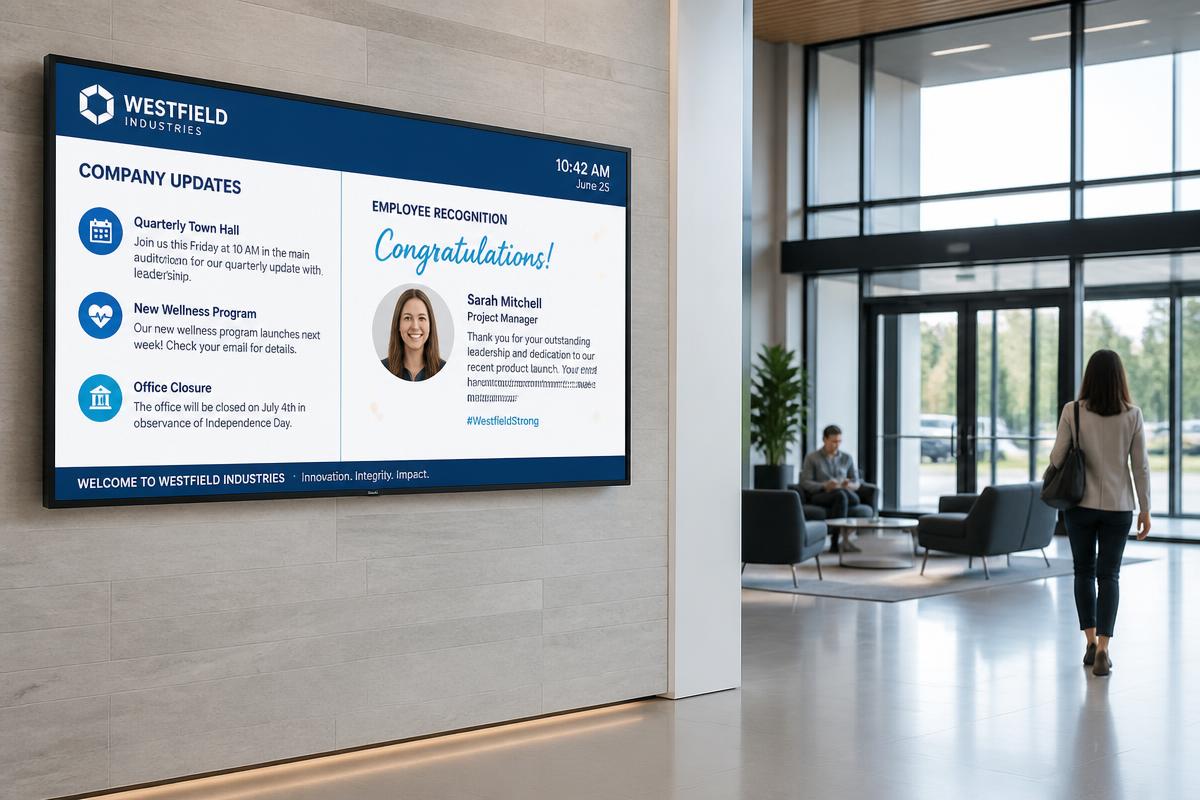
A break room TV is one of the few screens in a building that every single employee looks at. People sit down, they eat, and they read whatever is in front of them. That makes the break room the highest-value spot in most facilities for internal communication — and the easiest place to start with digital signage.
Why the break room is the best first screen
Email gets ignored. Bulletin boards go stale. Shift workers and floor employees often do not have a company email address at all. A break room TV reaches everyone, every day, with zero effort on their part. For most of our customers it is the pilot screen that proves the value before they roll signage out to the plant floor, the lobby, and the conference rooms.
What to put on a break room TV
Safety and compliance messaging. Days without an incident, PPE reminders, current safety focus, and seasonal hazards. In food processing and manufacturing, this is often the reason the screen gets approved in the first place.
Production and KPI dashboards. Shift output, quality metrics, on-time performance. Pulling live numbers through an API integration means nobody has to update a slide.
HR and benefits announcements. Open enrollment deadlines, policy changes, new hire welcomes, training reminders, and the paperwork people always forget.
Recognition and culture. Employee of the month, service anniversaries, birthdays, team photos, and shout-outs. This is the content that makes people actually look up at the screen.
Schedules and logistics. Shift changes, overtime opportunities, meeting times, cafeteria menus, and parking or facility notices.
Weather, news, and local sports. A small ticker or corner widget keeps the screen feeling alive between company messages and gives people a reason to glance at it.
Emergency and weather alerts. The same screen can be taken over instantly for a tornado warning, lockdown, or evacuation notice.
How to keep the content from going stale
The fastest way to kill a break room TV is to let the same five slides loop for six months. Three rules keep it working:
Automate anything that has a data source. Production numbers, weather, safety day counts, and menus should update themselves through an API rather than waiting on a person.
Schedule content by shift and by day. Morning shift and night shift do not need identical messaging, and Friday does not need Monday's announcements.
Mix in motion. A short MP4 or animated graphic between static slides dramatically increases how long people actually watch.
What a break room digital signage setup costs
A single break room screen usually comes down to three pieces: a commercial display or existing TV, a media player, and the software license that drives it. Most single-screen deployments land in the few-hundred-dollar range for the player plus an annual per-screen software cost, and you can often reuse a TV that is already mounted on the wall. Because our platform is Windows-based, it runs on standard hardware you may already own, and it scales to as many screens as you want to add later without changing systems.
Starting small and scaling
Almost every multi-screen network we manage started with one break room TV. Once managers see how quickly a message can reach the whole workforce, the screens spread to entryways, production areas, waiting rooms, and cafeterias — all managed from the same dashboard, from anywhere.
Want help getting your first break room screen live? Reach out to us at sales@auroradigitalsignage.com and we will walk you through hardware, content, and a plan to scale.